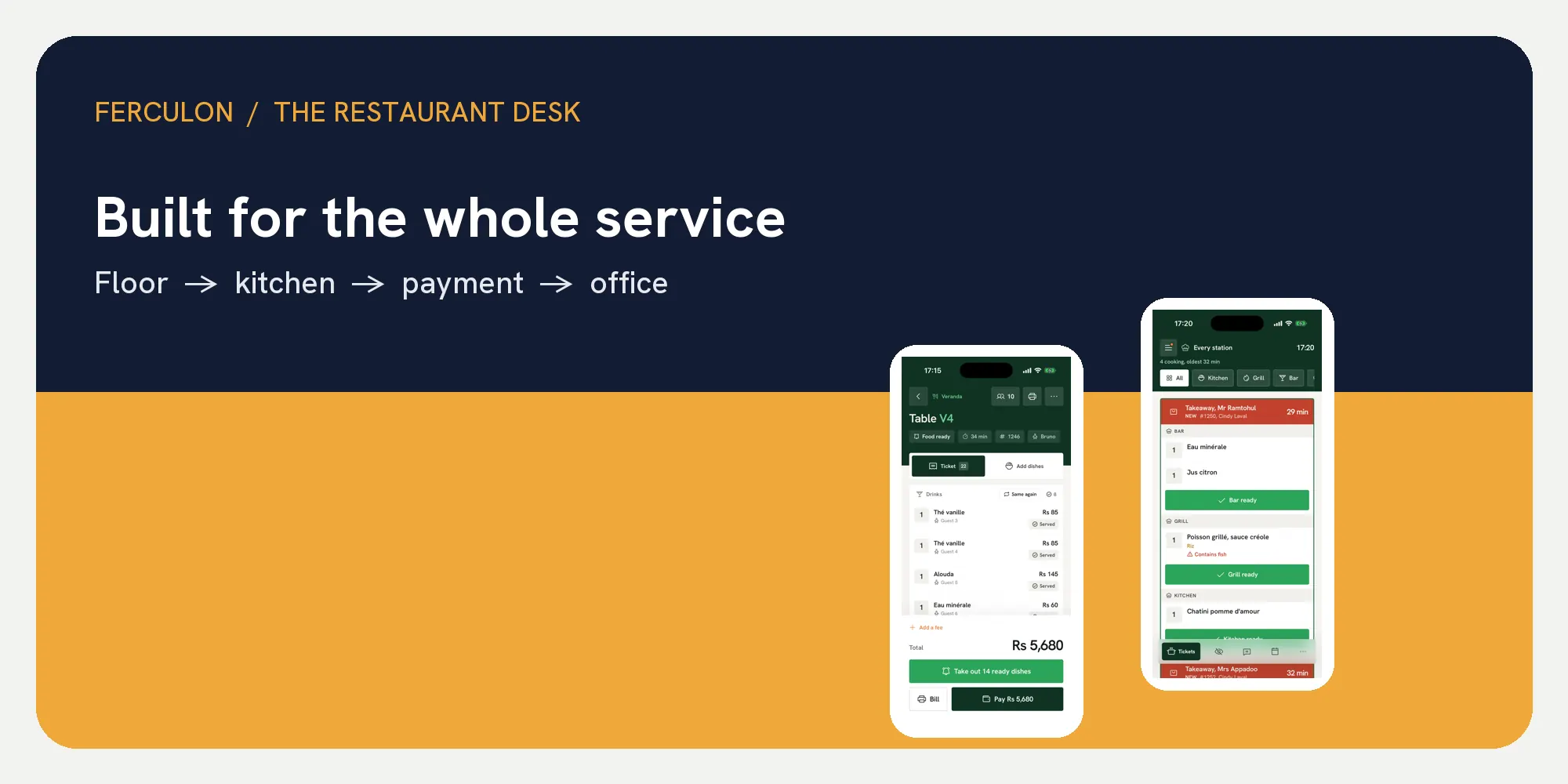
The best restaurant POS system should help the people on the floor, in the kitchen, at payment and in the office act on one current order. It should make each hand-off clear during a busy service and leave a record the manager can understand afterwards. A feature list is useful, but the real test is whether staff can follow a guest from seating to a settled bill without losing context.
Think of a POS as the working path of an order. The waiter needs the menu and table; the cook needs the dish and timing; the person taking payment needs the correct bill; the manager needs the closing record. Ferculon shows these roles in one restaurant workflow, which makes a practical example for the tests below.
| Stage | The person needs to see | Check in a live demo |
|---|---|---|
| Floor | Table, dishes, options and next action | Can the waiter find the current order? |
| Kitchen | Items, station, course and order context | Does the ticket arrive where the cook works? |
| Payment | Open balance, split choices and methods | Can staff settle the actual guest request? |
| Office | Paid order, payments and till count | Can the manager explain the shift? |
The best restaurant POS system starts with the order
Create an order on a real table. Add a dish with an option, then send it to the kitchen. The table, dish and choice should remain attached to the same order as it moves. In Ferculon, the waiter app and live floor show the table state, while the kitchen display presents the work to cooks. That gives each role the context for its next action.
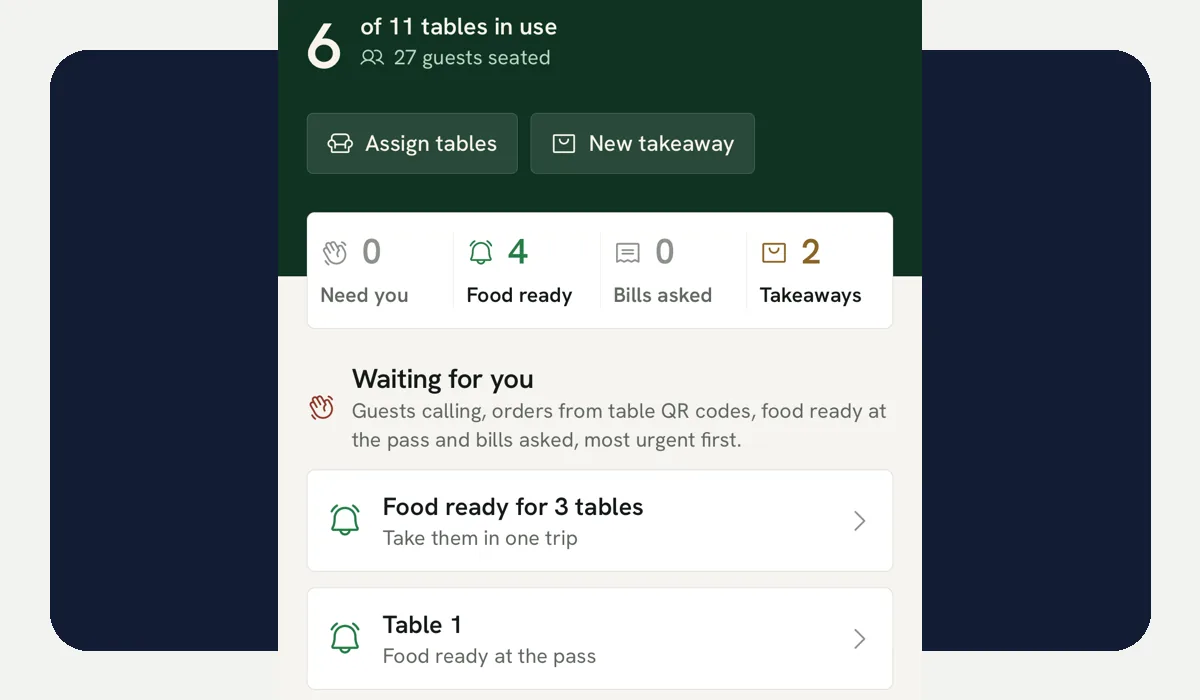
During the demonstration, change the order after the first ticket. Ask whether the cook can see the update, whether the waiter can see what is ready and whether the bill reflects the final dishes. A restaurant POS should make that sequence legible to the people doing the work. The order tracking walkthrough follows the same hand-offs in detail.
The kitchen needs a working queue
The kitchen is a different environment from the counter. Cooks need a readable queue, clear dish options and a way to mark work ready. Where there are multiple stations, the right part of an order should reach the right people. Ferculon’s kitchen workflow provides station views and course controls in its demo.
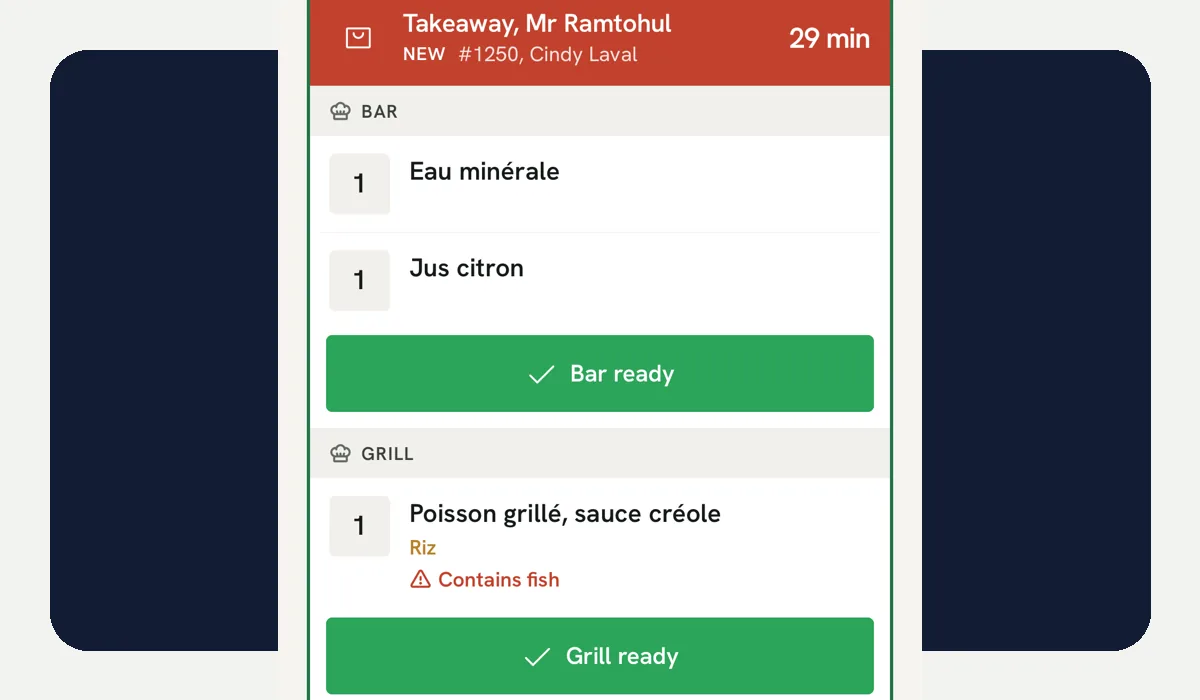
- Readability: A cook should understand the next ticket at a glance.
- Timing: Held courses should move when the waiter fires them.
- Handoff: Ready food should reach the staff member serving that table.
- History: The team should be able to find what happened after a ticket leaves the active queue.
Run the test with two tables and a takeaway arriving together. Watch what the cook sees, then ask the waiter to identify which dishes are ready. The kitchen display guide has a fuller rush-hour test. This is also where a live table plan earns its place: it lets front of house respond to the actual state of service.
Payment should settle the order the team served
When guests ask to pay, staff should be able to check the dishes and split the bill in the way the table requests. Ferculon supports equal, seat, dish and amount splits in its table payment flow. The billing guide shows how to follow the resulting payment records into the office.
Ask the demonstrator to take two payment methods on one table, then reopen the order history. Check the amount paid, what remains and who recorded each payment. The goal is a closing record that follows naturally from service. If the guest ordered again through a table QR menu, that order should still belong to the table being settled.
The office should answer the next morning’s questions
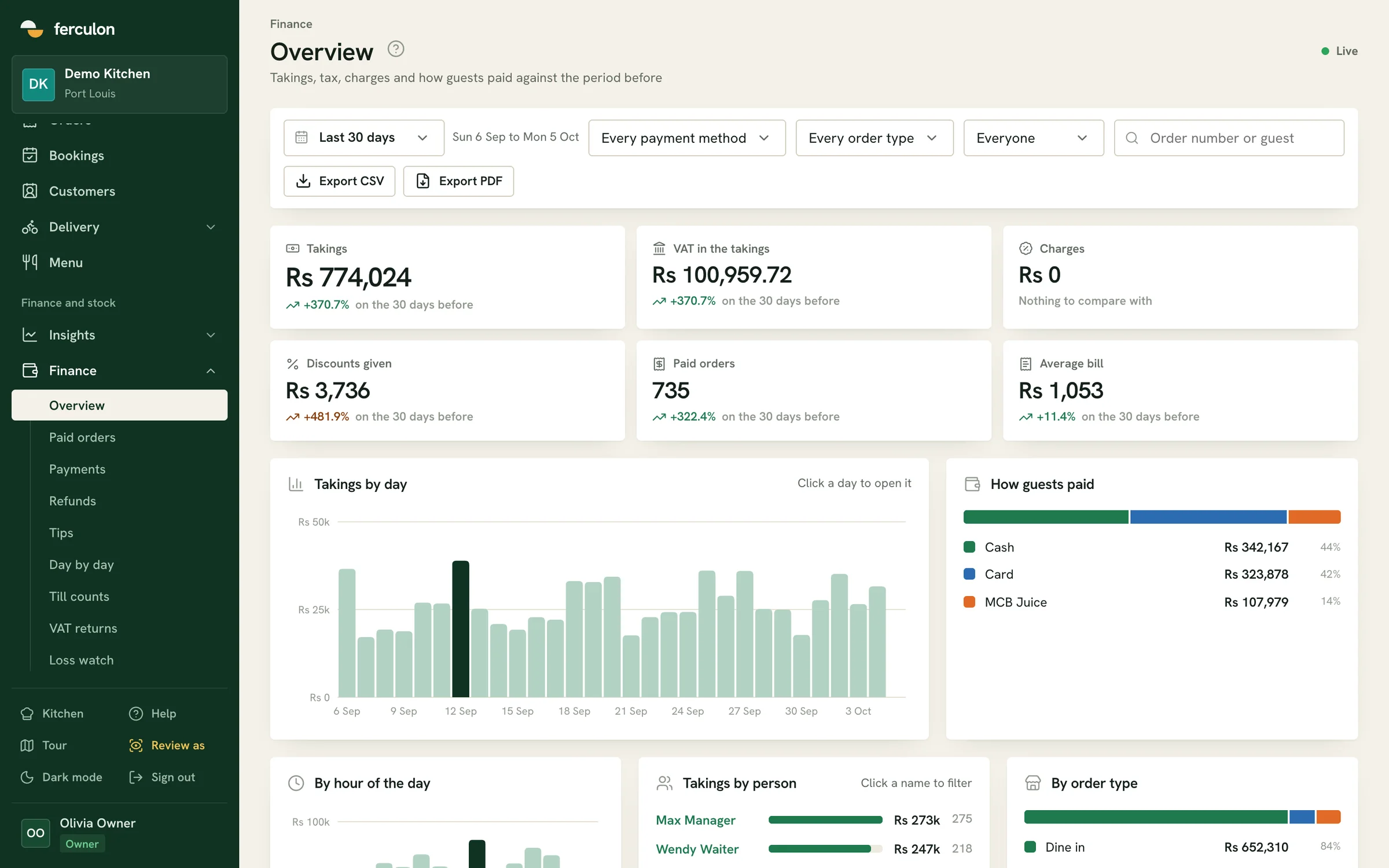
The manager may ask what was sold, which methods were used, where the cash count differed and which dishes need restocking. A useful back office connects these questions to the service that produced the figures. Ferculon’s demo shows paid orders, payments, stock and staff views. The owner can move from a summary into the underlying record when something needs attention.
Recipe and inventory records add another useful connection. For a dish with a saved recipe, the stock workflow can show what ingredients went into service. The menu engineering guide explains how paid portions and current recipe costs help an owner review a menu section. These views are only as helpful as the menu and ingredient data the team keeps current.
Engineer the system around real restaurant roles
Test with the people who will use the system. A waiter should take an order; a cook should mark food ready; a cashier should settle a bill; a manager should close the shift. Give each person their usual device and ask them to work in the order they would during service. The team tools cover staff access and working hours, while the set-up guide shows the initial configuration.
- Start with the menu. Enter real dishes, options and one sold-out item.
- Serve a table. Seat it, take the order and send a second course.
- Watch the kitchen. Have the cook prepare and mark the dishes ready.
- Settle the bill. Split it and record more than one payment method.
- Close the shift. Find the paid order, payment entries and till count.
Keep the test short enough that staff can repeat it with a second table and a counter order. Their questions will reveal where training or a clearer screen is needed. The menu guide is useful when dish changes need to reach staff and guest ordering without confusion.
Use the checklist before you choose
Take the table above to every demo and write down what each role could do without help. Also record the devices, payment provider and training work required to run the system in your restaurant. The restaurant POS cost worksheet turns those findings into a budget using your own quotes and equipment.
| Question | What a useful answer looks like |
|---|---|
| Can staff find the current order? | The table and dishes remain visible to the person serving it. |
| Does the kitchen know what to make? | The right station sees clear tickets and updates. |
| Can guests pay the way they ask? | The split, method and remaining balance are clear. |
| Can the manager explain the shift? | Orders, payments and counts can be traced in the office. |
| Can the team learn it? | Each role completes its part of a live service test. |
The best choice is the one your team can run confidently through its real service pattern. Look at the Ferculon screens alongside this checklist, then use the current pricing page when you are ready to put the device and software costs beside the workflow.
Questions people ask
What makes the best restaurant POS system?
It keeps the order clear as staff take it, prepare it, settle it and review it. Test those hand-offs with your own menu and team, using a busy service pattern rather than a feature list alone.
What should a kitchen display receive from a POS?
It should show the dishes, options, order context and timing that cooks need at their station. Staff should also be able to mark work ready so the person serving the table knows the next action.
Why should payments and orders be connected?
The person taking payment needs the final bill, split choices and remaining balance. The manager then needs payments linked to the order when reviewing the shift.
How can a restaurant test a POS before choosing one?
Enter a real menu, serve a table, send courses to the kitchen, split a bill and close the shift. Ask the waiter, cook, cashier and manager to perform their own tasks on the devices they would use.
Where does cost fit into the POS decision?
The workflow test reveals which software modules, devices, payment services and set-up work the restaurant needs. Put those items into a first-year budget with your own supplier quotes.