Toast POS pricing starts at $0 a month for a Starter Kit and $69 a month for its Point of Sale plan, with custom quotes for everything beyond that. Those are the figures on the Toast pricing page, read on 18 November 2026.
They apply to new customers and single locations, and the monthly price includes the first terminal only. The sections below cover each plan and the costs outside the monthly fee.
Toast POS pricing by plan
| Plan | Listed price | Built for | What it includes |
|---|---|---|---|
| Starter Kit | From $0 a month | Single locations with 1 or 2 terminals | Hardware kit with no upfront cost, cloud POS, one location with up to two terminals |
| Point of Sale | From $69 a month | Restaurants that want core features and flat-rate processing | Monthly software subscription, custom hardware configuration |
| Build Your Own | Custom quote | Restaurants that want the wider platform | Inventory, payroll and tips, scheduling, marketing, loyalty and gift cards, chosen as needed |
| POS and payroll bundle | $69 a month plus $9 per employee a month | New restaurants | Point of Sale plus payroll essentials and basic scheduling |
The Starter Kit is offered on a pay-as-you-go basis, which Toast describes as reducing upfront hardware and installation costs through an all-in-one platform rate. Toast does not publish that rate or its flat processing rate on the pricing page, so ask for both in writing.
What costs extra on Toast
- Hardware and installation. Toast says the upfront costs are hardware and implementation, and that they vary with your package. Financing is available on application.
- More devices. The listed monthly price includes the first terminal. Each additional device adds a charge.
- Card processing. Toast is a payment facilitator and quotes a flat rate. The percentage is not on the pricing page.
- Add-on suites. Online ordering and websites, marketing and loyalty, payroll, scheduling, invoice and food-cost tools (xtraCHEF) and multi-location management are sold as Essentials or Pro add-ons.
- More locations. The published prices are for a single location.
What Toast includes in every subscription
Toast Care support is included in every software subscription and is open 24 hours a day, every day, by phone or web messaging. Offline mode lets staff keep taking orders, printing tickets and accepting card payments during an internet outage. Automatic software upgrades and real-time fraud monitoring are listed on every plan.
Where Toast is available
Toast’s country selector lists the United States, Canada, the United Kingdom, Ireland and Australia. If your restaurant is elsewhere, Toast is not an option, and you will be comparing systems that operate in your country.
What the Toast add-on suites cover
Toast’s comparison chart groups everything beyond the core point of sale into suites, most of them sold in an Essentials and a Pro tier. Knowing which suite holds the feature you need tells you which line of the quote to look for.
| Suite | Essentials tier | Pro tier |
|---|---|---|
| Digital Storefront | Online ordering, Toast Delivery Services and the Local by Toast app | Adds Toast Websites, custom online ordering and SEO features |
| Marketing | Email marketing, loyalty and gift cards | Not listed separately |
| Team Management | Toast Scheduling Pro and Toast Tips Manager | Not listed separately |
| Payroll | Payroll processing and tax filing, digital onboarding, an HR toolkit, Toast Pay Card and PayOut | Adds applicant tracking, benefits and ACA dashboards |
| Supplier and Accounting (xtraCHEF) | Invoice automation, accounting sync and food cost analytics | Adds recipe costing and inventory management |
| Restaurant Management | Scheduled price and menu publishing, advanced reporting, partner integrations | Adds multi-location management and an analytics API |
Recipe costing and inventory sit in xtraCHEF Pro, and multi-location reporting sits in Restaurant Management Pro. If either matters to you, ask for those two lines by name. Our guides to food cost control and restaurant inventory management show what to test in a recipe and stock workflow, whichever system you choose.
Build a monthly Toast budget
Use the published figures as the fixed lines and fill in the quoted ones. The example below is a single site with 15 employees on the POS and payroll bundle, which Toast lists at $69 a month plus $9 per employee.
| Budget line | Example | Where the number comes from |
|---|---|---|
| POS and payroll bundle | $69 + (15 x $9) = $204 a month | Published on the Toast pricing page |
| Additional terminals and handhelds | Quote per device | The listed price covers the first terminal only |
| Card processing | Your monthly card sales x the quoted rate | Flat rate quoted by Toast, not published |
| Add-on suites | Quote per suite and tier | Marked as available with an add-on in the chart |
| Hardware and installation | One-off quote, or a pay-as-you-go platform rate | Varies with your package |
Processing is usually the largest line, because it grows with sales. Multiply a normal month of card takings by the rate you are quoted and compare it with the subscription before you decide which plan is cheaper. The prime cost calculator helps you see that monthly cost against food and labour.
Questions to ask before you sign
- What is the card processing rate, and is it the same for in-person, online and keyed payments?
- What does each additional terminal, handheld or kitchen screen cost per month?
- What are the hardware and installation costs for my floor plan, and what happens to the hardware if I leave?
- Which features I need are in an add-on suite, and what does each cost?
- What is the contract length, and what does early cancellation cost?
How Ferculon approaches the same costs
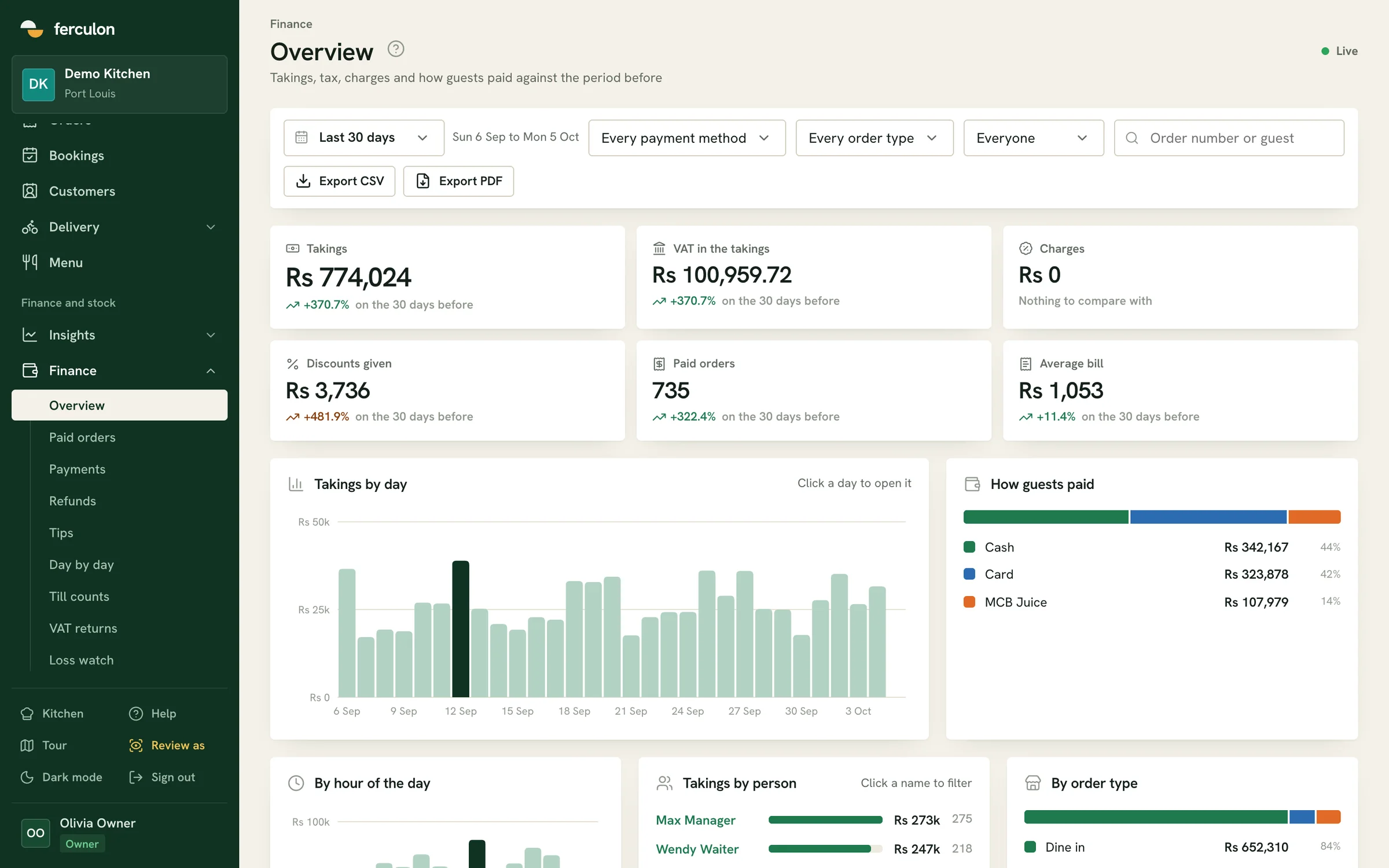
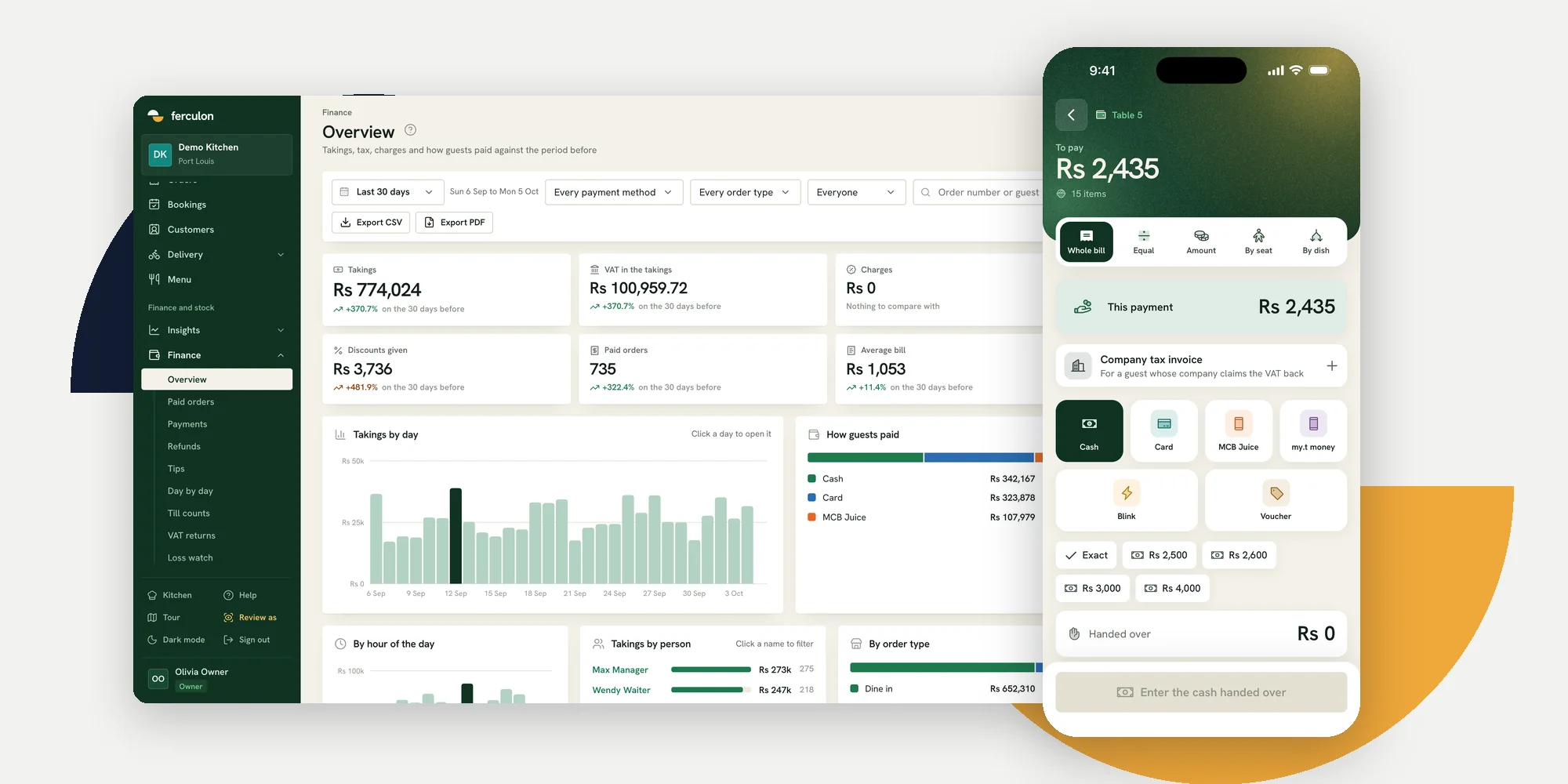
Ferculon is a cloud restaurant POS that runs on phones and tablets. Staff can use their own phone or a shared tablet, each unlocking it with a 4-digit PIN, and the kitchen can use any screen with a web browser.
Kitchen tickets, bills and receipts print to Wi-Fi printers on your own network or Bluetooth printers paired with a tablet. See the floor and waiter app and the kitchen display.
The waiter app, kitchen display, QR ordering, bookings, delivery and a back office with recipe costs, stock and takings are part of one system, with no separate suites to buy. Its plans are on the pricing page, and new restaurants start with free months.
Questions people ask
How much does Toast POS cost per month?
Toast lists a Starter Kit from $0 a month and a Point of Sale plan from $69 a month, with custom pricing for its Build Your Own plan. A POS and payroll bundle for new restaurants is $69 a month plus $9 per employee. These prices apply to new customers and single locations.
Does Toast charge for hardware?
Yes. Toast says the upfront costs are hardware and implementation, which vary by package. The Starter Kit reduces upfront hardware cost through a pay-as-you-go platform rate, and each device after the first adds a monthly charge.
What is Toast’s processing fee?
Toast describes its processing as a simple flat rate but does not publish the percentage on its pricing page. Ask for the in-person and online rates in writing before you sign.
Can I use my own iPad with Toast?
No. Toast states that its services may only be used on approved Toast hardware.
Which countries is Toast available in?
Toast’s site lists the United States, Canada, the United Kingdom, Ireland and Australia.